What Is Color Grading and Why Does It Matter?
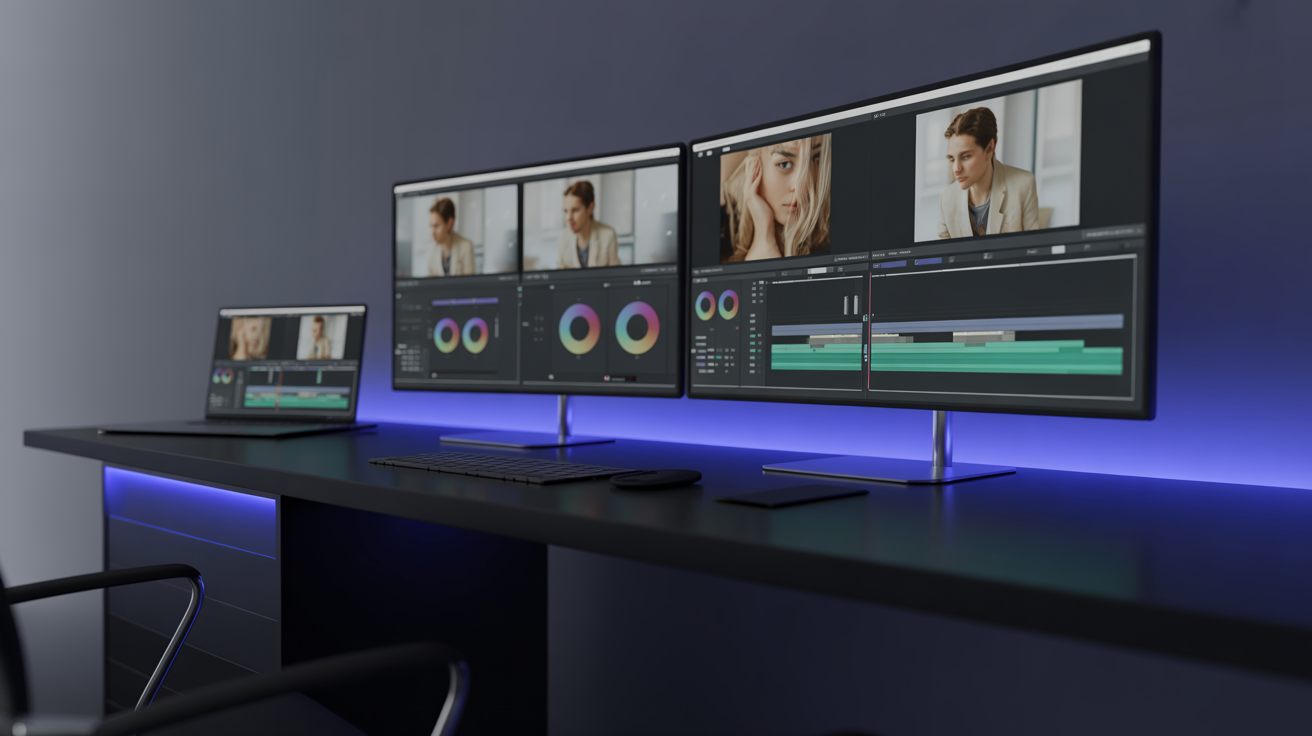
Color grading is the process of adjusting the colors, contrast, and overall visual tone of your video footage. It's what transforms flat, raw camera footage into the cinematic masterpieces you see on Netflix, YouTube, and Instagram.
Think of it this way: shooting is capturing the story, color grading is setting the mood. A warm golden grade says "nostalgia." Cold blue tones whisper "thriller." Desaturated greens scream "post-apocalyptic."
The problem? Traditional color grading requires:
- Expensive software (DaVinci Resolve Studio, Adobe SpeedGrade)
- Years of practice and technical knowledge
- Hours of painstaking adjustment per video
- A calibrated monitor ($1,000+)
How AI Is Revolutionizing Color Grading
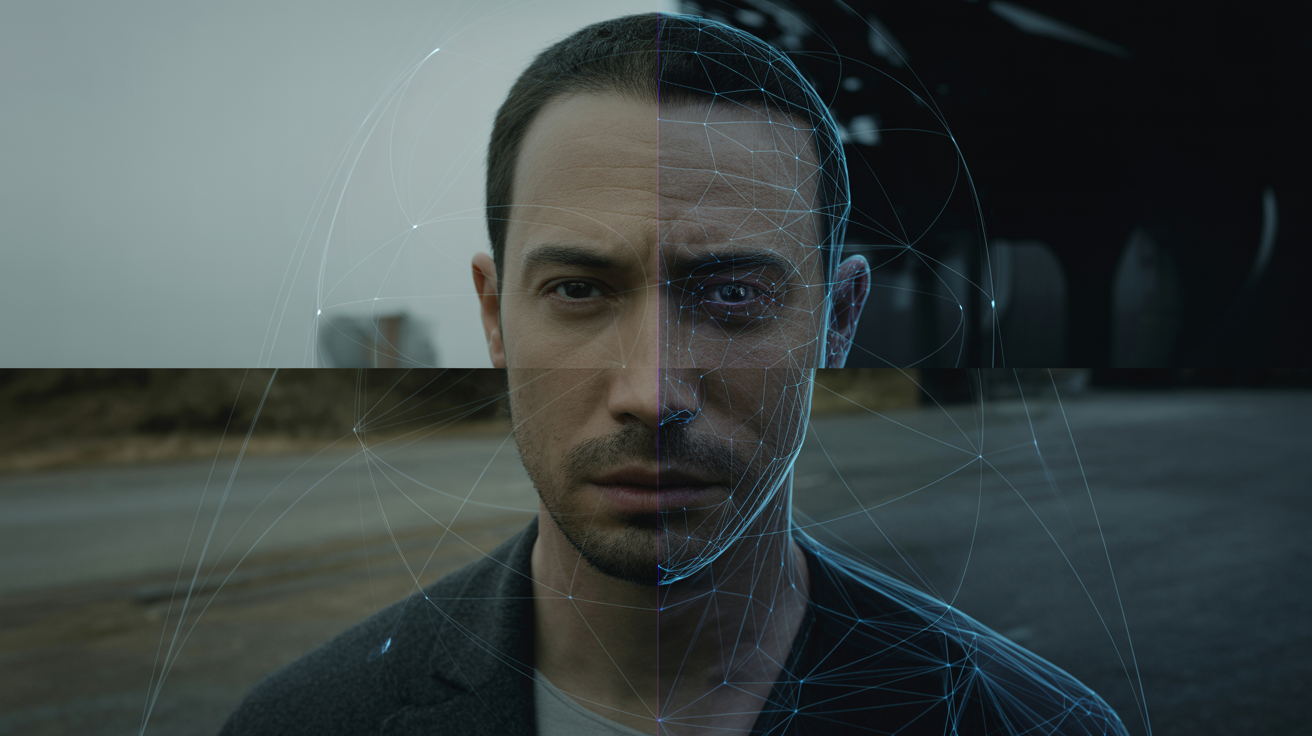
AI color grading analyzes your footage and applies professional-grade adjustments automatically. Here's what modern AI can do:
Scene-by-Scene Analysis
AI doesn't just apply one look to your entire video. It analyzes each scene independently, adjusting for:
- Lighting conditions — Indoor vs outdoor, golden hour vs midday
- Skin tones — Preserving natural skin colors regardless of ambient light
- Color temperature — Correcting white balance automatically
- Dynamic range — Recovering details in shadows and highlights
Style Matching
Want your vlog to look like a Christopher Nolan film? AI can analyze reference images and match the color palette:
- Upload a reference frame from any film or video
- AI extracts the color science (LUT, curves, saturation maps)
- Applies the matching grade to your footage
- Fine-tune the intensity from 0-100%
Consistency Across Clips
One of the biggest challenges in video editing is maintaining consistent color across different clips shot at different times. AI excels at this:
- Matches exposure levels across all clips
- Normalizes white balance variations
- Ensures skin tones remain consistent
- Creates smooth transitions between scenes with different lighting
AI Color Grading vs Manual Color Grading
| Aspect | AI Color Grading | Manual Color Grading |
|---|---|---|
| Time per video | 2-5 minutes | 2-8 hours |
| Skill required | None | Years of practice |
| Consistency | Excellent | Depends on colorist |
| Cost | Software subscription | $50-500 per video (freelancer) |
| Customization | High (with presets + fine-tuning) | Unlimited |
| Skin tone handling | Very good | Expert-level |
| Creative control | Good (80% of use cases) | Complete |
Understanding the Color Grading Pipeline
Step 1: Color Correction (The Foundation)
Before creative grading, your footage needs technical correction:
- White balance — Removing color casts (too orange, too blue)
- Exposure — Adjusting brightness to the correct level
- Contrast — Setting proper black and white points
- Saturation — Normalizing overall color intensity
AI handles this automatically by analyzing histograms, waveforms, and vectorscopes — the same tools professional colorists use, but at machine speed.
Step 2: Creative Grading (The Art)
This is where your video gets its unique look:
- Color palette — Choosing dominant colors (teal and orange, blue and gold)
- Mood and tone — Setting the emotional atmosphere
- Selective color — Emphasizing specific colors while muting others
- Film emulation — Mimicking the look of specific film stocks
Step 3: Output Optimization
Different platforms require different color specifications:
- YouTube — Rec. 709 color space, high saturation
- Netflix — Rec. 2020 / HDR support
- Instagram — Vibrant, mobile-optimized colors
- Theater — DCI-P3 color space, subtle grading
5 Popular Color Grading Styles
1. Teal and Orange
The most popular cinematic look. Pushes shadows toward teal/blue and highlights toward orange/gold. Creates beautiful skin tone separation against cool backgrounds.
2. Desaturated Moody
Reduces overall saturation while boosting contrast. Perfect for dramatic content, documentaries, and storytelling. Think David Fincher films.
3. Warm Vintage
Adds warm tones, slight fade to blacks, and gentle grain. Ideal for lifestyle content, travel vlogs, and nostalgic storytelling.
4. High Contrast Bold
Punchy blacks, bright highlights, and vivid colors. Great for action content, music videos, and energetic brands.
5. Clean and Natural
Subtle corrections that enhance the natural beauty of your footage without an obvious "graded" look. Perfect for corporate content and product showcases.
How to Color Grade with Cimora AI
The Quick Way (2 Minutes)
- Upload your footage to Cimora AI
- Select a style from the preset library (or describe the look you want)
- AI processes each scene individually
- Review the result with before/after comparison
- Export in your preferred format and resolution
The Custom Way (5 Minutes)
- Upload your footage plus a reference image (screenshot from a film you love)
- AI analyzes the reference's color science
- Applies the matched grade to your footage
- Adjust intensity (0-100% slider)
- Fine-tune specific parameters if desired
- Export your perfectly graded video
Pro Tips for Better Color Grading Results
Shoot Flat (Log Profile)
If your camera supports it, shoot in a flat or log color profile. This preserves more color information in your footage, giving AI (and manual colorists) more data to work with.
Consistent Lighting = Better Results
The more consistent your lighting during recording, the better AI can grade your footage. Even small changes in natural light can create challenges.
Don't Overdo It
The best color grading is invisible. If viewers notice the grading before the content, you've gone too far. Aim for a grade that enhances the story without distracting from it.
Always Check on Multiple Screens
What looks perfect on your monitor might look completely different on a phone screen. Always preview your graded footage on at least 2-3 different devices before publishing.
The Future of AI Color Grading
By late 2026, we expect to see:
- Real-time color grading during live streams
- Emotion-based grading that adjusts colors based on content mood
- Brand-aware grading that automatically matches your brand's visual identity
- 3D LUT generation from text descriptions ("make it look like Blade Runner 2049")
Get Started Today
You don't need to be a professional colorist to make your videos look cinematic. AI has democratized this once-exclusive skill, and the results speak for themselves.
Ready to give your videos a professional look? Try Cimora AI free and transform your footage in minutes.