The Content Creator's Editing Toolkit
Video content dominates the internet in 2026. Whether you're a YouTuber, TikToker, or business creating marketing videos, the quality of your editing directly impacts your success. Here are the pro tips that separate amateur videos from professional ones.
1. Start with a Story Structure
Before you touch any editing software, plan your narrative:
- Hook (0-3 seconds): Grab attention immediately
- Setup (3-15 seconds): Establish the topic and value proposition
- Body: Deliver your content with clear sections
- Call to Action: Tell viewers what to do next
The best editors think like storytellers first, technicians second.
2. Master the J-Cut and L-Cut
These are the secret weapons of professional editors:
- J-Cut: Audio from the next scene starts before the visual transition. Creates anticipation and smooths transitions.
- L-Cut: Audio from the current scene continues into the next visual. Maintains continuity and emotional flow.
These techniques make your videos feel cinematic rather than choppy.
3. Color Grading Matters
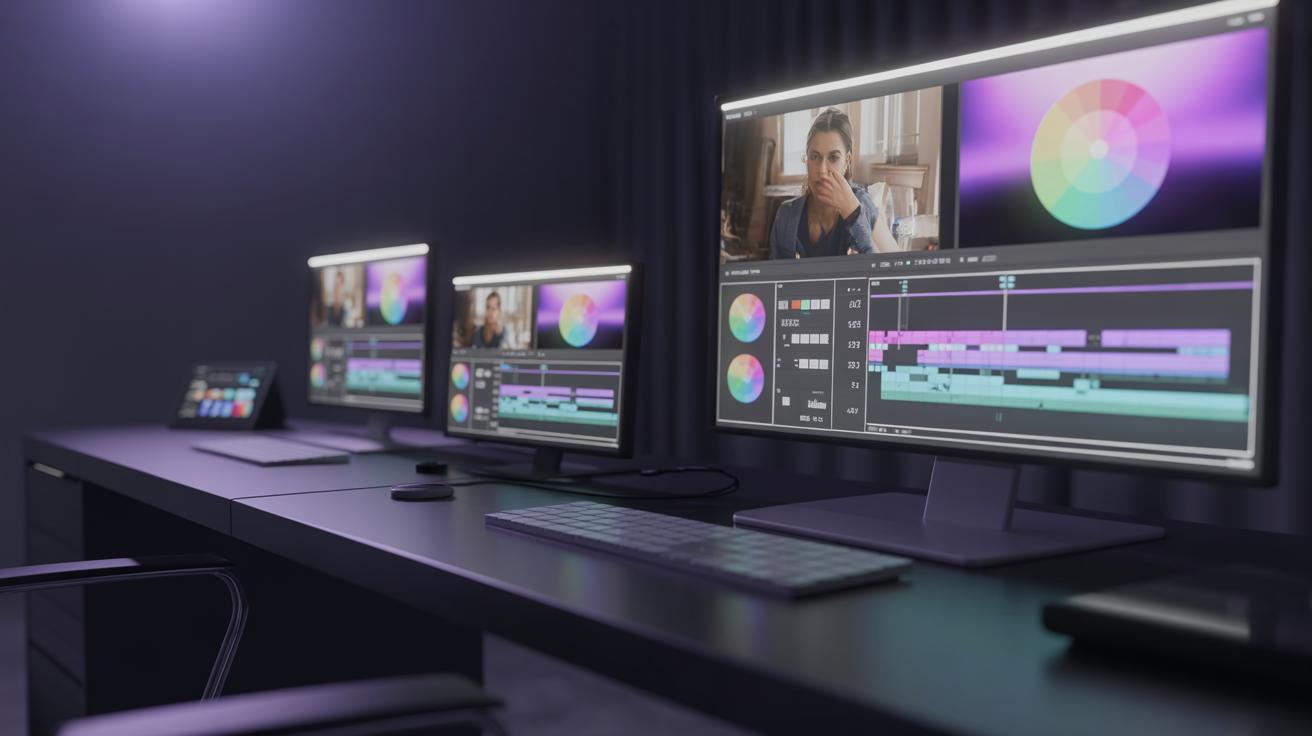
Consistent color grading separates professional content from amateur footage:
- Correct first, grade second: Fix white balance and exposure before applying creative looks
- Use LUTs sparingly: Look-Up Tables are a starting point, not a final product
- Match your brand: Develop a consistent color palette across all your videos
- Skin tones are sacred: Whatever creative look you apply, ensure skin tones remain natural
4. Audio is 50% of Your Video
Viewers will tolerate imperfect visuals, but bad audio is an instant close:
- Remove background noise using AI-powered noise reduction
- Normalize audio levels to -14 LUFS for YouTube, -16 LUFS for podcasts
- Use music strategically: Background music should support, never overpower your voice
- Add sound effects: Subtle whooshes, clicks, and transitions add polish
5. The Power of Pacing
Pacing is what keeps viewers watching:
- Cut the dead air: Remove pauses, "ums", and "ahs"
- Vary shot lengths: Mix quick cuts with longer shots to create rhythm
- Use B-roll: Cover cuts with relevant supplementary footage
- Match energy to content: Fast cuts for exciting content, slower pacing for emotional moments
6. Text and Graphics
Modern videos rely heavily on on-screen text:
- Lower thirds: Name and title overlays for interviews
- Key points: Highlight important information as text overlays
- Animated callouts: Draw attention to specific areas of the frame
- Consistent typography: Use 1-2 fonts maximum across your brand
7. Leverage AI for Repetitive Tasks
In 2026, AI handles the tedious parts of editing:
- Auto-subtitles: Generate and sync subtitles in minutes
- Smart cuts: AI identifies and removes silence, filler words
- Color matching: Automatically match colors across different clips
- Audio enhancement: One-click background noise removal and voice enhancement
- Format adaptation: Automatically resize videos for different platforms
This is where platforms like Cimora AI shine — we handle the repetitive work so you can focus on the creative decisions that matter.
8. Export Settings That Matter
Don't ruin great editing with poor export settings:
For YouTube
- Codec: H.264 or H.265
- Resolution: 4K (3840x2160) when possible
- Frame rate: Match your source (usually 24, 30, or 60 fps)
- Bitrate: 35-45 Mbps for 4K, 16-24 Mbps for 1080p
For Social Media (TikTok, Instagram, Shorts)
- Resolution: 1080x1920 (9:16 vertical)
- Under 60 seconds for maximum algorithmic reach
- Bitrate: 10-15 Mbps
For Client Deliverables
- ProRes 422 or DNxHR for maximum quality
- Include separate audio stems if requested
- Deliver in the format specified in the brief
9. Create Templates and Presets
Professional editors don't start from scratch every time:
- Intro/outro templates: Pre-built sequences you drop in
- Color presets: Your brand look in one click
- Text styles: Consistent lower thirds and title cards
- Audio presets: EQ and compression chains for your voice
Templates can cut your editing time by 40-60%.
10. The Final Review Checklist
Before you export, always check:
- Audio levels consistent throughout
- No jump cuts or visual glitches
- Subtitles accurate and properly timed
- Brand colors and fonts consistent
- End screen and call to action included
- Thumbnail-worthy moment captured
- Video tested on mobile (small screen check)
Start Creating Professional Content Today
You don't need expensive equipment or years of experience to create professional videos. With the right techniques and AI-powered tools, anyone can produce content that stands out.
Get started with Cimora AI and see how our professional editing workflow can transform your content creation process.